| |
|
|
Mods
page: 1, 2, 3, 4, 5, 6, 7, 8, 9, 10, 11, 12
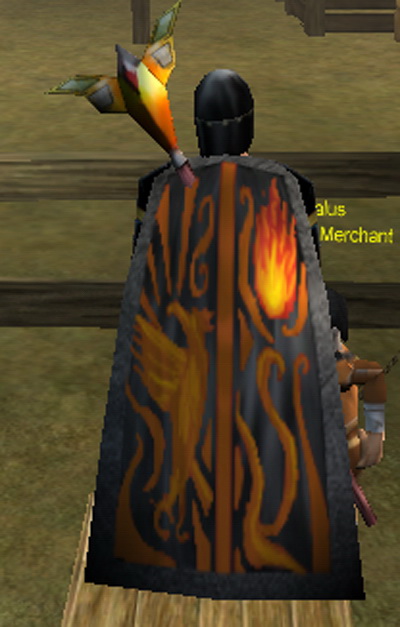
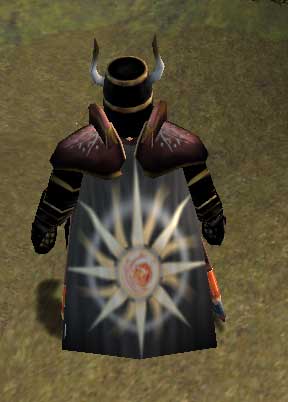
| name | creator | image | download | | Cape Blacksatin | Acererack |  | download | | Cape Blacksatin | Stromin_normo |  | download | | Cape KajBlood | Unknown | | download | | Cape whitepurple black & white: Black and White | Truefurey | | download | | Cape whitepurple necro: Necro cloak! V2 | Truefurey | | download | | Cape whitepurple with Angel: Angel with Sythe | Truefurey | | download | | Chest armor 1: This is a part of an armor sets. They look better then original ones. If you want to use it download all arm, chest, shoulderpads, helmet, leg mods. It contains all, or almoust all armor sets plus ghoul armor. | Drigien | | download | | Chest armor 2: This is a part of an armor sets. They look better then original ones. If you want to use it download all arm, chest, shoulderpads, helmet, leg mods. It contains all, or almoust all armor sets plus ghoul armor. | Drigien | | download | | Chest armor 3: This is a part of an armor sets. They look better then original ones. If you want to use it download all arm, chest, shoulderpads, helmet, leg mods. It contains all, or almoust all armor sets plus ghoul armor. | Drigien | | download | | CoL cape V1 | Tman | 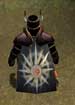 | download |
page: 1, 2, 3, 4, 5, 6, 7, 8, 9, 10, 11, 12
Additional info:An other good mod is Majesta's master mod, but it was too big to host on my own site. It can be downloaded here. If you want to mod yourselve, he is also hosting the modding environment that can be downloaded here. If you can't find the mod you are looking for, maybe it can be found here.
I only made a few of these mods. Most of them have been created by other people. A big thanx goes to Drusek for collecting these mods and sending them to me.
If you made a mod and it isn't in the list, I can put it here if you mail me the files, a picture, a short description and the name of your main character.
How to use these mods*
- Download file(s).
- Extract them to any location using winrar.
- Go to 'C:\Program Files\Rubies Of Eventide\rez\...' and find the file you want to replace**.
- Backup the original files.
- Rename the new files exactly the same as the files you want them to replace.
- Replace old files with new ones.
*note that most of the times there is a readme file in the zip. There should be more specific instructions in that file.
**If you don't know how the capes are named, click here. The other items should be clear enough.
|